
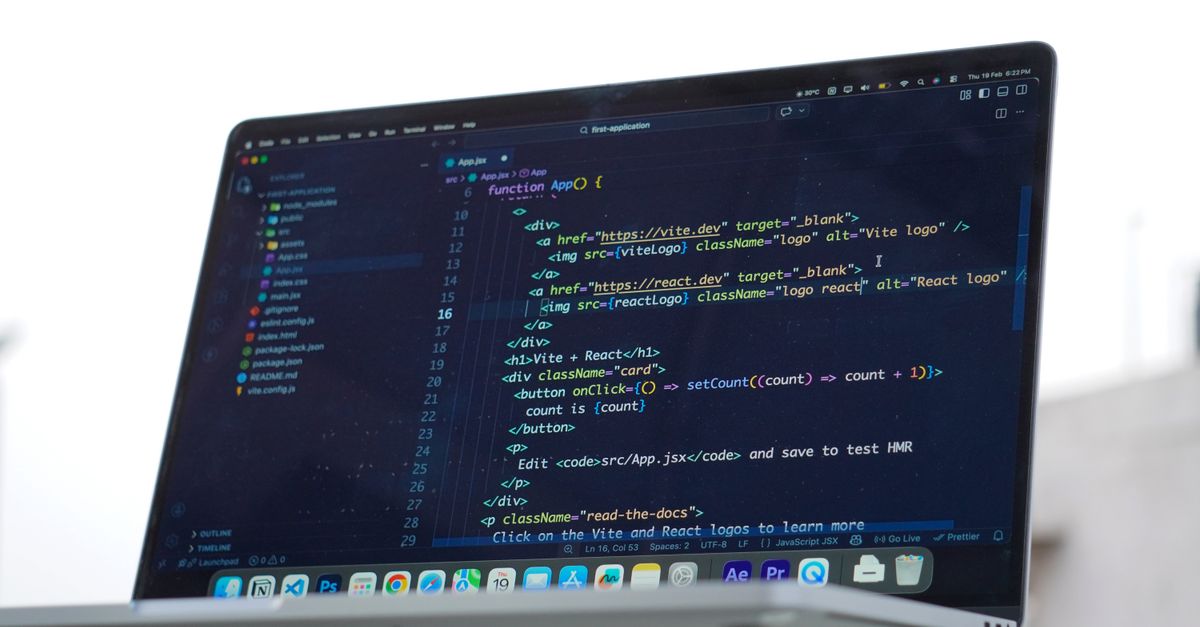
In this tutorial, we'll build a small React application that initiates an M-Pesa STK Push using the Fortpesa REST API. A customer will enter a Kenyan phone number and amount, click Pay with M-Pesa, receive a payment prompt on their phone, and see the transaction status in the browser.
We'll use React with Vite for the frontend and Node.js with Express for the backend. The backend is important because it keeps the private Fortpesa API key out of the browser.
Important: An accepted STK Push request is not proof that the customer paid. Only mark an order as paid after checking the verified transaction status.
What we're building
The flow is:
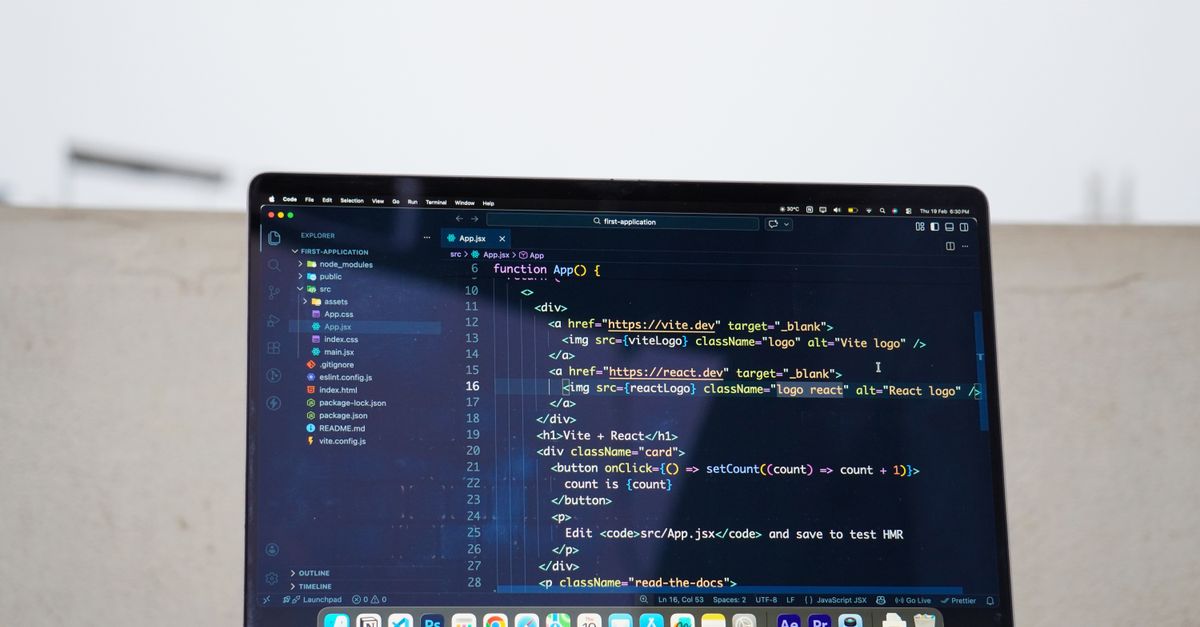
- The customer enters a phone number and amount in the React checkout.
- React sends the details to our Express backend.
- Express validates the input and sends the documented request to Fortpesa.
- Fortpesa returns a transaction UUID and an initial status, commonly
pending. - React asks our backend to check that transaction's status.
- The backend retrieves the status from Fortpesa and returns it to React.
- The UI displays the terminal result:
success,failed,cancelled, orexpired.
For production systems, webhooks are preferable for asynchronous notifications. Verify their HMAC signature and re-fetch the transaction from Fortpesa before fulfilling an order.
1. Fortpesa API details
The API base URL is:
https://fortpesa.co.ke/api/v1
The STK Push endpoint is:
POST https://fortpesa.co.ke/api/v1/payments/stk
The transaction status endpoint is:
GET https://fortpesa.co.ke/api/v1/transactions/{uuid}
Both requests use this authentication header:
Authorization: Bearer YOUR_FORTPESA_API_KEY
The STK Push JSON body includes:
{
  "amount": 150,
  "phone": "254712345678",
  "channel_id": 42,
  "account_reference": "ORDER1042",
  "description": "Order 1042"
}
Important Fortpesa requirements:
- Currency is KES.
amountmust be a whole-number integer, not a decimal or a value in cents.phonemust be in254XXXXXXXXXformat: 12 digits, no+, and no leading0.channel_idis a required integer from the Channels page in your Fortpesa dashboard.account_referencecan be at most 12 characters.descriptioncan be at most 13 characters.- The prepaid Fortpesa wallet must have enough balance to cover the platform fee.
- An optional
Idempotency-Keycan prevent duplicate requests when the same logical payment is retried. Reuse the same key for retries of the same payment intent.
Use the official Fortpesa skill, STK API reference, transaction reference, and error reference as the source of truth if the API changes.
2. Prerequisites
You need:
- Node.js and npm installed.
- A Fortpesa account.
- A valid Fortpesa API key.
- An approved channel ID.
- Sufficient prepaid wallet balance.
- A phone number you control for testing.
Never put a private API key in React code or a VITE_ environment
variable. Variables bundled into a frontend are visible to users.
3. Create the project
Run:
npm create vite@latest fortpesa-react-stk -- --template react
cd fortpesa-react-stk
npm install
npm install express dotenv
npm install -D concurrently
Use this structure:
fortpesa-react-stk/
├── server/
│   ├── index.cjs
│   └── .env
├── src/
│   ├── App.jsx
│   ├── App.css
│   └── main.jsx
├── .gitignore
├── index.html
├── package.json
└── vite.config.js
Vite creates the frontend files. We'll create the server folder and
its files manually.
4. Add the server-side environment variables
Create server/.env:
FORTPESA_API_KEY=pb_live_replace_with_your_real_key
FORTPESA_CHANNEL_ID=42
PORT=3000
Replace the example values with your own credentials and channel ID. The
42 is an example only; use the integer ID displayed in your dashboard.
Add the following to the root .gitignore:
node_modules/
dist/
.env
server/.env
Do not commit your API key or share it in screenshots, video recordings, or source control.
5. Create the Express backend
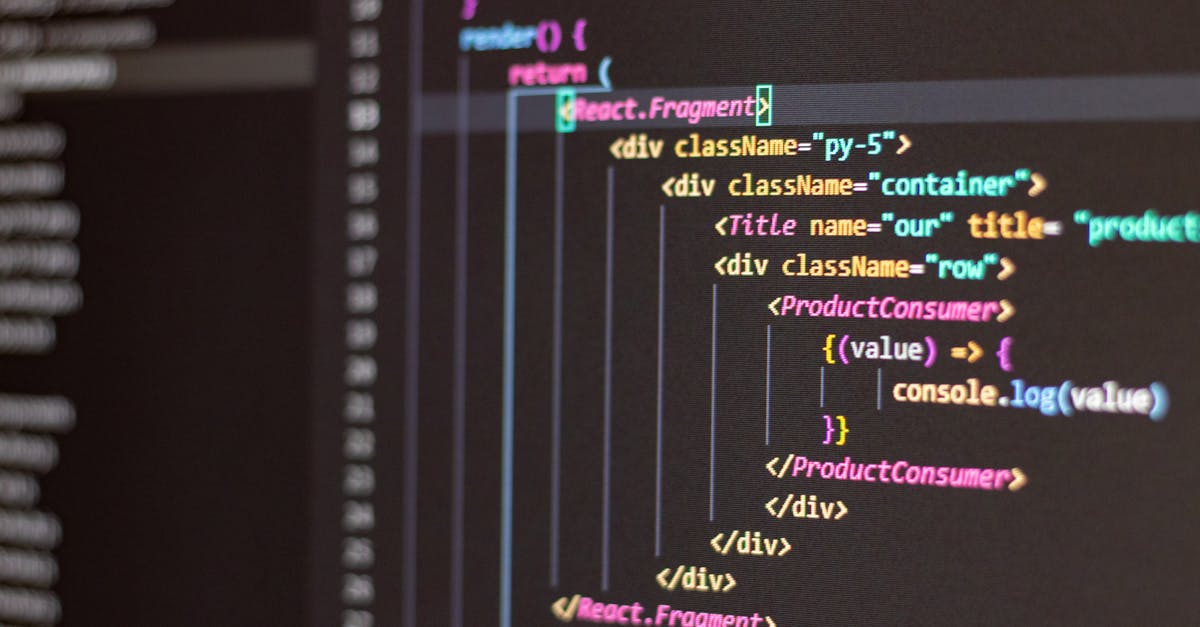
Create server/index.cjs:
require("dotenv").config({ path: "server/.env" });

const express = require("express");
const crypto = require("node:crypto");
const path = require("node:path");

const app = express();

const API_BASE = "https://fortpesa.co.ke/api/v1";
const API_KEY = process.env.FORTPESA_API_KEY;
const CHANNEL_ID = Number(process.env.FORTPESA_CHANNEL_ID);
const PORT = Number(process.env.PORT || 3000);

if (!API_KEY || !Number.isInteger(CHANNEL_ID) || CHANNEL_ID < 1) {
  throw new Error(
    "Set FORTPESA_API_KEY and FORTPESA_CHANNEL_ID in server/.env"
  );
}

app.use(express.json({ limit: "10kb" }));

function normalizePhone(value) {
  // Fortpesa expects 254XXXXXXXXX, without + or a leading 0.
  // This helper accepts common Kenyan input formats and converts them.
  let phone = String(value || "").replace(/[\s()-]/g, "");

  if (phone.startsWith("+254")) {
    phone = phone.slice(1);
  } else if (/^0[17]\d{8}$/.test(phone)) {
    phone = `254${phone.slice(1)}`;
  }

  return /^254[17]\d{8}$/.test(phone) ? phone : null;
}

function publicError(code, message) {
  return { error: { code, message } };
}

async function fortpesaRequest(endpoint, options = {}) {
  const response = await fetch(`${API_BASE}${endpoint}`, {
    ...options,
    headers: {
      Authorization: `Bearer ${API_KEY}`,
      Accept: "application/json",
      ...(options.body ? { "Content-Type": "application/json" } : {}),
      ...options.headers,
    },
    signal: AbortSignal.timeout(20000),
  });

  const result = await response.json().catch(() => ({}));

  if (!response.ok) {
    const error = new Error(
      result?.error?.message || "Fortpesa request failed"
    );
    error.status = response.status;
    error.code = result?.error?.code || "FORTPESA_ERROR";
    throw error;
  }

  return result;
}

// Optional diagnostic endpoint. Do not expose the wallet balance publicly
// on a production website; remove this route or protect it with admin auth.
app.get("/api/health", (req, res) => {
  res.json({ ok: true });
});

// Initiate an STK Push.
app.post("/api/payments/stk-push", async (req, res) => {
  const phone = normalizePhone(req.body.phone);
  const amount = req.body.amount;

  if (!phone) {
    return res.status(400).json(
      publicError(
        "INVALID_PHONE",
        "Enter a valid Kenyan number, for example 0712345678."
      )
    );
  }

  if (!Number.isSafeInteger(amount) || amount < 1) {
    return res.status(400).json(
      publicError(
        "INVALID_AMOUNT",
        "Amount must be a whole KES amount of at least 1."
      )
    );
  }

  // The reference must be no longer than 12 characters.
  const accountReference = `FD${Date.now().toString().slice(-10)}`;

  // This key is valid under Fortpesa's documented allowed characters.
  // For production retries, persist and reuse the same key for the same
  // logical payment intent instead of generating a new one.
  const idempotencyKey = `stk-${crypto.randomUUID()}`;

  try {
    const result = await fortpesaRequest("/payments/stk", {
      method: "POST",
      headers: {
        "Idempotency-Key": idempotencyKey,
      },
      body: JSON.stringify({
        amount,
        phone,
        channel_id: CHANNEL_ID,
        account_reference: accountReference,
        description: "React STK",
      }),
    });

    const transaction = result?.data;

    if (!transaction?.uuid) {
      return res.status(502).json(
        publicError(
          "INVALID_PROVIDER_RESPONSE",
          "Fortpesa did not return a transaction UUID."
        )
      );
    }

    return res.status(201).json({
      data: {
        uuid: transaction.uuid,
        status: transaction.status,
        amount: transaction.amount,
        phone: transaction.phone,
        account_reference: transaction.account_reference,
      },
      message:
        "Payment request submitted. Check your phone for the M-Pesa prompt.",
    });
  } catch (error) {
    // Do not log API keys, authorization headers, or full sensitive payloads.
    console.error("Fortpesa STK error:", {
      status: error.status,
      code: error.code,
    });

    const status = error.status || 502;
    let message = "Could not initiate payment. Please try again.";

    if (error.code === "UNAUTHENTICATED" || status === 401) {
      message = "Fortpesa authentication failed. Check the server API key.";
    } else if (error.code === "INSUFFICIENT_BALANCE" || status === 402) {
      message = "The Fortpesa prepaid wallet needs sufficient balance.";
    } else if (error.code === "VALIDATION_ERROR" || status === 422) {
      message = "Fortpesa rejected the payment details. Check the phone, amount, and channel.";
    } else if (error.code === "RATE_LIMITED" || status === 429) {
      message = "Too many requests. Wait before trying again.";
    } else if (error.code === "CHANNEL_NOT_APPROVED" || status === 503) {
      message = "The Fortpesa channel is unavailable or not approved.";
    }

    return res.status(status >= 400 && status < 600 ? status : 502).json(
      publicError(error.code || "PAYMENT_REQUEST_FAILED", message)
    );
  }
});

// Check an existing transaction using its Fortpesa UUID.
app.get("/api/payments/:uuid/status", async (req, res) => {
  const uuid = req.params.uuid;

  // Validate UUID format before inserting it into the API path.
  if (
    !/^[0-9a-f]{8}-[0-9a-f]{4}-[1-8][0-9a-f]{3}-[89ab][0-9a-f]{3}-[0-9a-f]{12}$/i.test(uuid)
  ) {
    return res.status(400).json(
      publicError("INVALID_UUID", "Invalid transaction UUID.")
    );
  }

  try {
    const result = await fortpesaRequest(
      `/transactions/${encodeURIComponent(uuid)}`
    );

    const transaction = result?.data;

    if (!transaction?.uuid || !transaction?.status) {
      return res.status(502).json(
        publicError(
          "INVALID_PROVIDER_RESPONSE",
          "Fortpesa returned an unexpected transaction response."
        )
      );
    }

    return res.json({
      data: {
        uuid: transaction.uuid,
        status: transaction.status,
        amount: transaction.amount,
        account_reference: transaction.account_reference,
      },
    });
  } catch (error) {
    console.error("Fortpesa status error:", {
      status: error.status,
      code: error.code,
    });

    const status = error.status || 502;
    const message =
      error.code === "TRANSACTION_NOT_FOUND" || status === 404
        ? "Transaction not found."
        : "Unable to verify payment status right now.";

    return res.status(status >= 400 && status < 600 ? status : 502).json(
      publicError(error.code || "STATUS_CHECK_FAILED", message)
    );
  }
});

// Serve the production React build after running `npm run build`.
const distPath = path.join(__dirname, "../dist");
app.use(express.static(distPath));

app.use((req, res, next) => {
  if (req.method !== "GET" || req.path.startsWith("/api/")) {
    return next();
  }

  res.sendFile(path.join(distPath, "index.html"));
});

app.use((error, req, res, next) => {
  console.error("Unexpected server error:", error.message);
  res.status(500).json(
    publicError("INTERNAL_ERROR", "An unexpected server error occurred.")
  );
});

app.listen(PORT, () => {
  console.log(`Express server listening on http://localhost:${PORT}`);
});
Why this backend matters
The backend does four important things:
- Normalizes and validates the phone number.
- Ensures the amount is a whole KES integer.
- Calls Fortpesa with the private API key and required channel ID.
- Provides a separate status-check endpoint so the browser never needs the private key.
The status endpoint calls Fortpesa's documented
GET /api/v1/transactions/{uuid} endpoint. Fortpesa rate-limits live
status checks for a transaction to approximately once every 10 seconds,
so our frontend will use that interval.
6. Configure the Vite proxy
Replace vite.config.js with:
import { defineConfig } from "vite";
import react from "@vitejs/plugin-react";

export default defineConfig({
  plugins: [react()],
  server: {
    proxy: {
      "/api": "http://localhost:3000",
    },
  },
});
During development, Vite forwards /api requests to Express. In
production, deploy the frontend and backend together or configure an
equivalent reverse proxy.
7. Build the React checkout
Replace src/App.jsx with:
import { useRef, useState } from "react";
import "./App.css";

const TERMINAL_STATUSES = new Set([
  "success",
  "failed",
  "cancelled",
  "expired",
]);

async function readJson(response) {
  const data = await response.json().catch(() => ({}));

  if (!response.ok) {
    throw new Error(
      data?.error?.message ||
      data?.message ||
      "The request failed."
    );
  }

  return data;
}

function normalizeKenyanPhone(input) {
  let phone = input.replace(/[\s()-]/g, "");

  if (phone.startsWith("+254")) {
    phone = phone.slice(1);
  } else if (/^0[17]\d{8}$/.test(phone)) {
    phone = `254${phone.slice(1)}`;
  }

  return /^254[17]\d{8}$/.test(phone) ? phone : null;
}

export default function App() {
  const [phone, setPhone] = useState("");
  const [amount, setAmount] = useState("150");
  const [submitting, setSubmitting] = useState(false);
  const [checking, setChecking] = useState(false);
  const [status, setStatus] = useState("idle");
  const [message, setMessage] = useState("");
  const [transactionId, setTransactionId] = useState("");
  const [transactionStatus, setTransactionStatus] = useState("");
  const requestLock = useRef(false);

  async function getStatus(uuid) {
    const response = await fetch(
      `/api/payments/${encodeURIComponent(uuid)}/status`
    );

    const result = await readJson(response);
    const current = String(result?.data?.status || "").toLowerCase();

    if (!current) {
      throw new Error("No transaction status was returned.");
    }

    setTransactionStatus(current);

    if (current === "success") {
      setStatus("success");
      setMessage("Payment confirmed successfully.");
    } else if (TERMINAL_STATUSES.has(current)) {
      setStatus("error");
      setMessage(`The transaction is ${current}.`);
    } else {
      setStatus("pending");
      setMessage(
        "Payment is still pending. Check your phone and approve the prompt if it is displayed."
      );
    }

    return current;
  }

  async function pollStatus(uuid) {
    setChecking(true);

    try {
      // Fortpesa recommends allowing about 10 seconds between
      // status checks for a given transaction.
      const deadline = Date.now() + 150_000;

      while (Date.now() < deadline) {
        await new Promise((resolve) => setTimeout(resolve, 10_000));

        const current = await getStatus(uuid);

        if (TERMINAL_STATUSES.has(current)) {
          return;
        }
      }

      setStatus("pending");
      setMessage(
        "We have not received a final result yet. Use Check status to verify the same transaction again."
      );
    } catch (error) {
      setStatus("pending");
      setMessage(
        `${error.message} Your payment may still be processing. Check the same transaction again before retrying.`
      );
    } finally {
      setChecking(false);
    }
  }

  async function handleSubmit(event) {
    event.preventDefault();

    if (requestLock.current || submitting || checking) return;

    const normalizedPhone = normalizeKenyanPhone(phone);
    const numericAmount = Number(amount);

    if (!normalizedPhone) {
      setStatus("error");
      setMessage(
        "Enter a valid Kenyan phone number, such as 0712345678."
      );
      return;
    }

    if (!Number.isSafeInteger(numericAmount) || numericAmount < 1) {
      setStatus("error");
      setMessage("Enter a whole-number amount of at least KES 1.");
      return;
    }

    requestLock.current = true;
    setSubmitting(true);
    setStatus("initiating");
    setMessage("Sending your payment request...");
    setTransactionId("");
    setTransactionStatus("");

    try {
      const response = await fetch("/api/payments/stk-push", {
        method: "POST",
        headers: {
          "Content-Type": "application/json",
        },
        body: JSON.stringify({
          phone: normalizedPhone,
          amount: numericAmount,
        }),
      });

      const result = await readJson(response);
      const uuid = result?.data?.uuid;

      if (!uuid) {
        throw new Error("No transaction UUID was returned.");
      }

      setTransactionId(uuid);
      setTransactionStatus(result?.data?.status || "pending");
      setStatus("pending");
      setMessage(
        result.message ||
        "Payment request submitted. Check your phone for the M-Pesa prompt."
      );

      // Unlock submit after initiation, but the UI remains disabled
      // while this transaction is being checked.
      setSubmitting(false);
      requestLock.current = false;

      await pollStatus(uuid);
    } catch (error) {
      setStatus("error");
      setMessage(error.message || "Unable to initiate payment.");
    } finally {
      setSubmitting(false);
      requestLock.current = false;
    }
  }

  async function handleManualStatusCheck() {
    if (!transactionId || checking) return;

    setChecking(true);

    try {
      await getStatus(transactionId);
    } catch (error) {
      setStatus("pending");
      setMessage(
        `${error.message} The result is not confirmed yet. Try checking this same transaction again later.`
      );
    } finally {
      setChecking(false);
    }
  }

  const isTerminal = TERMINAL_STATUSES.has(transactionStatus);

  return (
    <main className="checkout">
      <section className="payment-card">
        <div className="brand-mark">F</div>
        <p className="eyebrow">FORTPESA CHECKOUT DEMO</p>
        <h1>Pay with M-Pesa</h1>
        <p className="subtitle">
          Enter your number and amount. We will request a payment
          prompt on your phone.
        </p>

        <form onSubmit={handleSubmit}>
          <label htmlFor="phone">M-Pesa phone number</label>
          <input
            id="phone"
            type="tel"
            placeholder="0712345678"
            value={phone}
            onChange={(event) => setPhone(event.target.value)}
            autoComplete="tel"
            required
          />

          <label htmlFor="amount">Amount (KES)</label>
          <input
            id="amount"
            type="number"
            min="1"
            step="1"
            value={amount}
            onChange={(event) => setAmount(event.target.value)}
            required
          />

          <button type="submit" disabled={submitting || checking || status === "pending"}>
            {submitting
              ? "Sending request..."
              : checking
                ? "Checking payment..."
                : status === "pending"
                  ? "Payment pending"
                  : "Pay with M-Pesa"}
          </button>
        </form>

        {message && (
          <div
            className={`notice ${status}`}
            role="status"
            aria-live="polite"
          >
            <strong>
              {status === "success"
                ? "Payment confirmed"
                : status === "error"
                  ? "Payment needs attention"
                  : status === "initiating"
                    ? "Initiating payment"
                    : "Payment status"}
            </strong>
            <p>{message}</p>
          </div>
        )}

        {transactionId && (
          <div className="transaction-details">
            <span>Transaction UUID</span>
            <code>{transactionId}</code>
            {transactionStatus && (
              <span>Latest status: {transactionStatus}</span>
            )}
          </div>
        )}

        {transactionId && !isTerminal && (
          <button
            className="secondary-button"
            type="button"
            onClick={handleManualStatusCheck}
            disabled={checking}
          >
            {checking ? "Checking..." : "Check payment status"}
          </button>
        )}

        <p className="security-note">
          Secure payment request powered by Fortpesa
        </p>
      </section>
    </main>
  );
}
How the React code works
useStatetracks the phone number, amount, loading state, transaction UUID, and payment status.handleSubmitvalidates the form and sends the request to our Express backend.- The backend returns the Fortpesa transaction UUID.
pollStatuschecks the existing transaction at approximately 10-second intervals.- The UI only displays a confirmed payment after the status endpoint
returns
success. - If the result is still pending, the customer can check the same transaction again rather than immediately generating another payment prompt.

8. Style the checkout
Replace src/App.css with:
* {
  box-sizing: border-box;
}

body {
  margin: 0;
  font-family: Inter, system-ui, sans-serif;
  color: #f5faf7;
  background: #07110e;
}

.checkout {
  min-height: 100vh;
  display: grid;
  place-items: center;
  padding: 24px;
  background:
    radial-gradient(circle at top, #00a65125, transparent 45%),
    #07110e;
}

.payment-card {
  width: 100%;
  max-width: 440px;
  padding: 36px;
  border: 1px solid #263a30;
  border-radius: 24px;
  background: #101b16;
  box-shadow: 0 24px 80px #0005;
}

.brand-mark {
  width: 48px;
  height: 48px;
  display: grid;
  place-items: center;
  border-radius: 14px;
  background: #00a651;
  color: white;
  font-size: 24px;
  font-weight: 800;
}

.eyebrow {
  margin-top: 28px;
  color: #43d98a;
  font-size: 11px;
  font-weight: 800;
  letter-spacing: 2px;
}

h1 {
  margin: 12px 0;
  font-size: 30px;
  letter-spacing: -1px;
}

.subtitle {
  margin-bottom: 28px;
  color: #9aaca1;
  font-size: 14px;
  line-height: 1.7;
}

label {
  display: block;
  margin: 18px 0 8px;
  font-size: 13px;
  font-weight: 600;
}

input {
  width: 100%;
  padding: 15px;
  border: 1px solid #30463a;
  border-radius: 11px;
  outline: none;
  background: #0a130f;
  color: white;
  font-size: 16px;
}

input:focus {
  border-color: #00a651;
  box-shadow: 0 0 0 3px #00a65120;
}

button {
  width: 100%;
  margin-top: 24px;
  padding: 16px;
  border: 0;
  border-radius: 11px;
  background: #00a651;
  color: white;
  font-size: 15px;
  font-weight: 800;
  cursor: pointer;
}

button:hover:not(:disabled) {
  background: #008f45;
}

button:disabled {
  opacity: 0.65;
  cursor: wait;
}

.secondary-button {
  border: 1px solid #30463a;
  background: transparent;
  color: #baf4d0;
}

.secondary-button:hover:not(:disabled) {
  background: #172e23;
}

.notice {
  margin-top: 18px;
  padding: 14px;
  border-radius: 10px;
  font-size: 13px;
  line-height: 1.6;
  overflow-wrap: anywhere;
}

.notice p {
  margin-bottom: 0;
}

.notice.pending,
.notice.initiating {
  background: #172e23;
  color: #8ef0b6;
}

.notice.success {
  background: #123b25;
  color: #a4ffc3;
}

.notice.error {
  background: #321b1b;
  color: #ffaaaa;
}

.transaction-details {
  display: grid;
  gap: 8px;
  margin-top: 18px;
  color: #9aaca1;
  font-size: 12px;
}

.transaction-details code {
  overflow-wrap: anywhere;
  color: #d8eee1;
}

.security-note {
  margin: 25px 0 0;
  text-align: center;
  color: #81968a;
  font-size: 12px;
}

@media (max-width: 480px) {
  .payment-card {
    padding: 25px;
  }

  h1 {
    font-size: 26px;
  }
}
9. Configure the development scripts
Update the scripts section of package.json, retaining the rest of
the file:
{
  "scripts": {
    "dev": "concurrently -k \"vite\" \"node server/index.cjs\"",
    "build": "vite build",
    "start": "node server/index.cjs",
    "preview": "vite preview"
  }
}
Run the application:
npm run dev
Open the Vite URL printed in your terminal, usually
http://localhost:5173.
10. Test the complete payment flow
- Confirm that your API key, channel ID, and prepaid wallet balance are correct.
- Enter a Kenyan phone number you control. The form accepts
0712345678,+254712345678, or254712345678, then normalizes it before calling the backend. - Enter a whole-number amount, such as
150. - Click Pay with M-Pesa.
- Wait for the STK Push prompt on your phone.
- Follow the instructions on the phone to approve or decline the payment.
- Watch the transaction status update in the browser.
- If the result is still pending, use Check payment status to check the same transaction again.
Do not repeatedly submit the payment form when the prompt is delayed.
Check the existing transaction before attempting another payment.
11. Understand common errors
Error Meaning What to check
UNAUTHENTICATED The API key is missing Check
or invalid. FORTPESA_API_KEY.
INSUFFICIENT_BALANCE The prepaid fee wallet Top up the Fortpesa
cannot cover the fee. wallet.
VALIDATION_ERROR The request fields are Check amount, phone
invalid. format, and required
channel ID.
TRANSACTION_NOT_FOUND Fortpesa cannot find Check the transaction
the UUID. UUID.
RATE_LIMITED Too many requests were Wait before checking
made. again.
CHANNEL_NOT_APPROVED The channel is Review the channel in
disabled or not your dashboard.
approved.
The backend intentionally returns safe messages to the browser instead of exposing sensitive API details.
12. Production considerations: webhooks and order fulfilment
Polling is useful for a tutorial, but a production payment system should also handle asynchronous payment notifications.
Fortpesa supports signed webhooks. Its documented verification procedure is:
- Read the exact raw HTTP request body.
- Check that the timestamp is within the five-minute replay window.
- Calculate the HMAC-SHA256 signature over
timestamp.raw_bodyusing the webhook secret. - Compare the signature using a constant-time comparison.
- Re-fetch the transaction from
GET /api/v1/transactions/{uuid}and trust the verified status, not the webhook payload alone.
See the Fortpesa webhook guide for the current implementation details.
For a real store, also save orders and transaction UUIDs in a database, make payment initiation idempotent, validate the expected amount and order reference, and fulfil an order only once after verified success. The in-memory React state in this tutorial is not a substitute for durable transaction records.
Conclusion
You've built a React checkout that initiates an M-Pesa STK Push using Fortpesa's documented API, protects the API key behind an Express backend, and checks the resulting transaction status.
The main lessons are to use Fortpesa's exact phone-number and amount formats, include a valid channel ID, handle errors deliberately, and never confuse an accepted payment request with a confirmed payment.